PARTICIPATION · IMPORTER A
200 units
- Selection
- Product X · black
- Pack
- Carton of 20
- Price and terms
- Accepted individually
20% of the target. Not 1,000 units on their own.
Group buying + Group Shipping
On ImportersDeals, importers join the same campaign product with their own quantities. Their participation contributes to that product’s collective minimum order quantity (MOQ). With Group Shipping, you can also apply to a shared shipping route for eligible cargo.
01How it works
The supplier sets a separate MOQ for each campaign product. In this example, the same product has a target of 1,000 units; colours and packs are options offered for that product. Quantities of different products do not count towards each other’s targets.
PARTICIPATION · IMPORTER A
200 units
20% of the target. Not 1,000 units on their own.
PARTICIPATION · IMPORTER B
300 units
500 units together with A. Halfway to the target.
PARTICIPATION · IMPORTER C
500 units
200 + 300 + 500 = 1,000 units. This product’s target is reached.
Three importers’ participation in the same product combines; quantities and accepted terms stay separate. Reaching the target does not mean payment is complete. Your order moves into preparation once payment and supply conditions are met.
Be importer D in the next campaign.Join with your own quantity; your terms stay separate from other buyers.
02Price logic
Unit product price10.00 USD
Quantity200 units
Product cost2,000 USD
Unit product price7.00 USD
Quantity200 units
Product cost1,400 USD
A larger total quantity can allow the supplier to offer better pricing terms.
In this illustration, a small purchase costs 10 USD per unit and group buying costs 7 USD: (10 − 7) ÷ 10 = 30%. For the same 200 units, product cost is 600 USD lower.
The supplier publishes the price; the price and terms you review before joining apply. Reaching the target does not trigger an automatic 30% discount; the actual advantage depends on the offer.
Illustrative example comparing product cost only. Freight, customs and tax are excluded.
See the published campaign price before you commit.Create an account to join a campaign at the price and terms you review.
03Process
Review the product’s MOQ, participation minimum, pack options, price and closing rule. Consider delivery scope together with freight, tax and customs responsibilities.
Choose quantities and options that meet the published minimum and pack rules. Review your participation and explicitly accept product, price and payment terms.
Participation in the same product advances its target. Payment collection starts according to the product’s target and closing rule; complete the payment steps shown in your account.
Product preparation starts once required payments and supply checks are complete. Arrange delivery within the scope you accepted; you can separately apply to a Group Shipping route for an eligible order.
Ready for step one?Your account lets you choose a campaign product and enter your own quantity.
Live now
15 open campaigns

Robot Vacuum Parts
ImportersDeals
Ships worldwide
$1.25
USD / piece · featured item
0 / 1,000
0% MOQ
1,000 units to MOQ
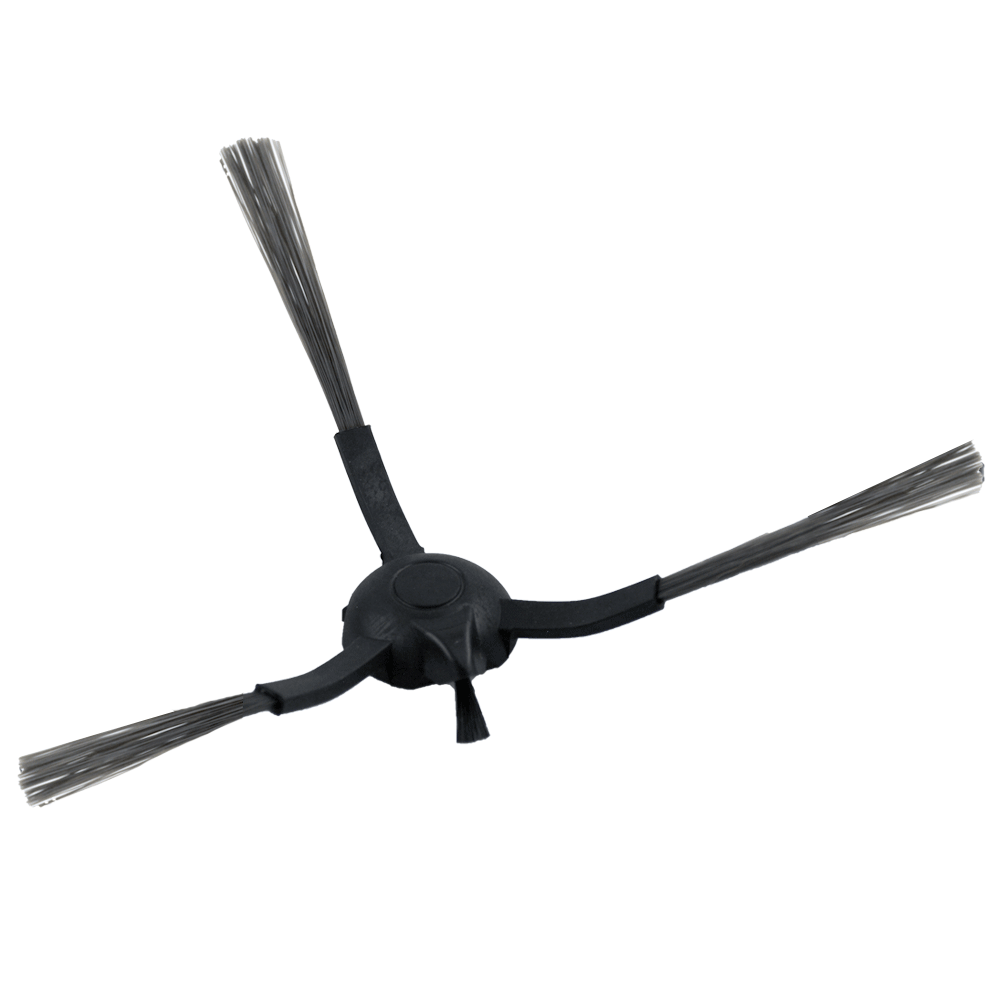
Robot Vacuum Parts
ImportersDeals
Ships worldwide
$0.20
USD / piece · featured item
0 / 10,000
0% MOQ
10,000 units to MOQ

Robot Vacuum Parts
ImportersDeals
Ships worldwide
$0.20
USD / piece · featured item
0 / 10,000
0% MOQ
10,000 units to MOQ
Found a product you need?Sign up to join with your own quantity before the campaign closes.
04Group Shipping · Shared shipping
You do not need to fill a whole container. Apply with eligible cargo to a shared LCL route; review scope, quotes and operations with the agent in one workflow. You can use it independently of group buying.
01 / 05
Where will your cargo travel from and to?
Review origin, destination, departure window, cargo acceptance and service boundary on the published LCL route. Door delivery is included only when stated in the scope.
02 / 05
Your platform order or cargo purchased elsewhere.
Select platform orders that are paid and eligible for shipping, or share details of cargo purchased elsewhere. Campaign participation is optional.
03 / 05
The agent reviews cargo and capacity.
Share measurements, weight and readiness information. Review freight cost, extra services, exclusions and expiry in your private quote.
04 / 05
Accept the quote and reserve your space.
Applying alone does not reserve capacity. Accepting a valid quote creates a reservation. Product payment and freight cost are separate; freight payment terms are in the agent’s quote.
05 / 05
Follow operational updates in your account.
Follow cargo acceptance, departure, arrival and delivery records. These are updates recorded by the agent. Check and confirm delivery within the service scope.
NEXT STEP
Compare published routes and review one that fits your cargo and dates. Eligibility and capacity are confirmed through the agent’s review.
05Roles
ImportersDeals brings these parties together and lets you follow product participation, private freight quotes and operational records in the relevant account.
Campaign owner
Sets the product, price, each product’s MOQ and participation rules. Prepares orders once payment and supply conditions are met.
Browse suppliers →Shipping coordinator
Publishes the shared route and service scope; reviews cargo eligibility and capacity, sends a private quote and records operational updates.
Browse shared routes →You
Reviews product participation and freight quotes separately. Chooses their own quantity, shares cargo details, and checks and confirms delivery.
Register as an importer →06Frequently asked questions
Looking for products? Browse campaigns. Have cargo to move? Explore shared shipping routes.
Shared shipping routesQuestions? Contact usBrowse suppliers
ImportersDeals
Sign in to start a private conversation. New here? Create an account to continue.